

This entire list of prompts is ready to be used as-is. You can use these with Google Gemini, ChatGPT, Nano Banana, and other AI-powered photo editing tools: upload your couple photo, copy/paste the prompt into the tool, and let it do its thing. No accounts to set up, no extras to buy. Editing pictures of couples can be one of the most challenging things to accomplish with AI.
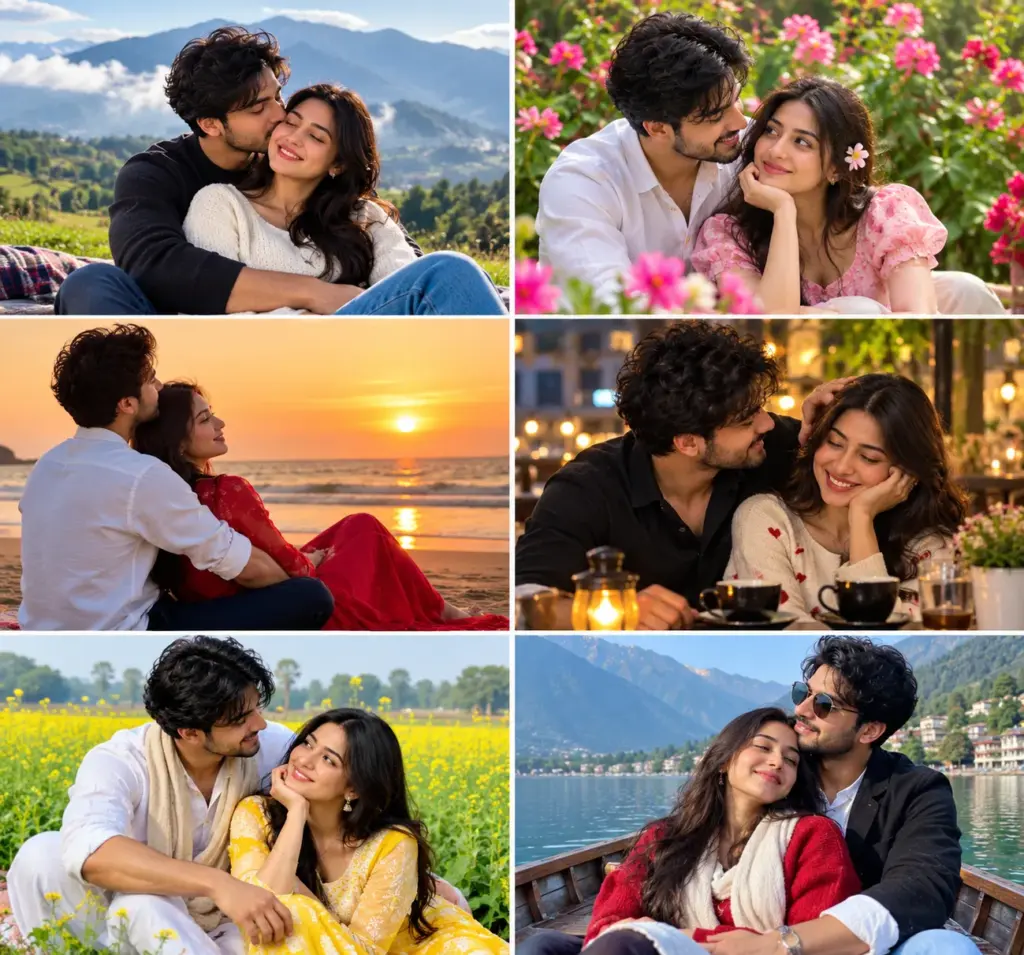
AI must maintain recognition of both individuals’ faces, even when altering each person’s surrounding environment (lighting, backgrounds, clothing). Many of the prompts available on the internet will have the ability to generate a visually appealing background/environment; however, when applied to a couple picture, the AI will often fail to recognize either individual.
This is because many of those prompts do not contain specific instructions regarding face retention. The following list of prompts contains specific instructions for the retention of faces, therefore making them effective.
Romantic Cuddle Pose
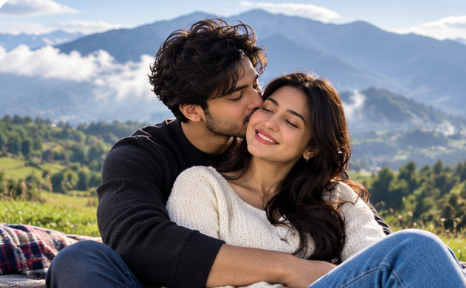
Seated Romantic Back Hug Pose
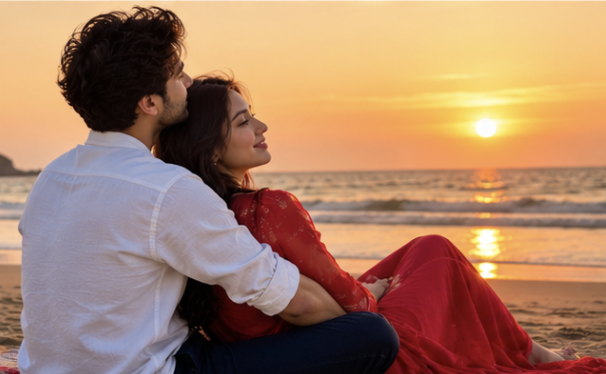
Leaning on Lap Pose
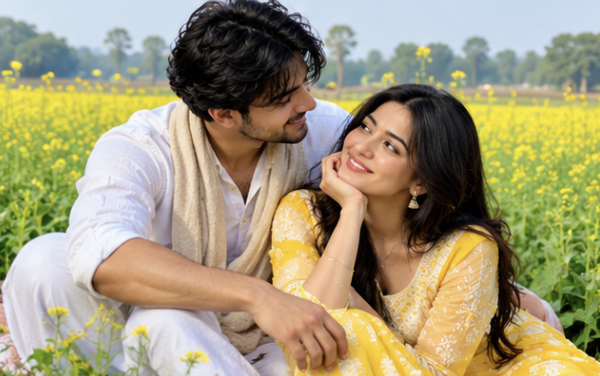
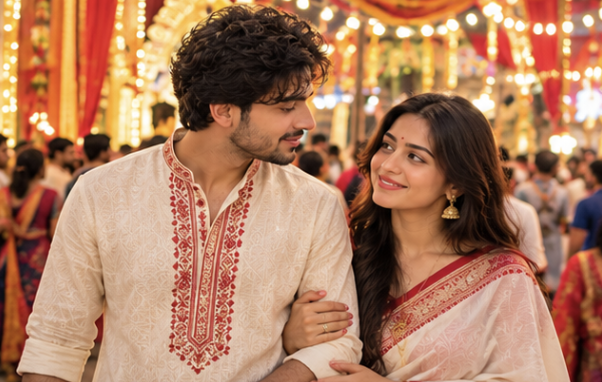
Durgapuja Couple Prompt
FAQs
What is the reason why many of the couple AI prompts result in turning the people who are being written about into strangers?
Because the model will prioritize the new scene description ahead of the identification of characters, explicit instructions such as “retain the precise features and appearance” will direct the model to prioritize preserving the reference characteristics.
What are some of the most effective AI tools that use these types of prompts?
When you use Google Gemini, ChatGPT (when using images), Nano Banana, and many other current AI-based photo editing applications that can accept an image as input; the quality of your results will be directly related to how well-defined the source image is.
What role does the quality of the original picture play?
Both faces need to be clear (not blurry) and bright (not too dark); the view of each face should not be blocked by any object. If either face is blurry or has been heavily filtered, it will provide the model with poorer quality information about who that person is so that their identity can be preserved.
Can I change my clothes and background as I please?
Yes, you can alter the prompt for the images (i.e. changing the clothing, lighting, etc.) without altering the person’s face. As long as you leave the face preservation sentence intact in your prompt.
Will there be any movement on either side of my face?
If you re-run the same prompt or use more specific wording like “Do not change the shape of the face, eyes, nose or mouth at all,” many of these systems will make changes that are better than what you originally saw.
Can you use these prompts to take group photos, not just couple shots?
While they may be able to recognize larger numbers of faces, accuracy will decrease as the size of the group increases. It’s best to begin recognizing groups of two people (couples) first to have the greatest chance of accuracy; however, you should tailor the language used to describe each additional person as the group size grows.
Are you allowed to use these prompts as a commercial product?
The free to download and use prompts can be found here. You should always read the usage terms of the particular AI platform that you created your final image on to determine if you have commercial use privileges.