Need a clean passport-size photo quickly? ChatGPT can help you create one in seconds with the right prompt.
Copy and paste this:
“Create a realistic passport-size photo of a [man/woman/girl], front-facing, neutral expression, plain white background, even lighting, formal attire, high resolution, 2×2 inch ratio, sharp focus on the face.”
This works well for both men and women. For girls or young women, change the description accordingly. The result is a clear, professional-looking image suitable for official forms and applications.
You don’t need any design skills. Paste the prompt, generate the image, and download it. You can also adjust small details like hair style, clothing color, or age to match your needs.
Try this simple method the next time you need a passport-size photo. It’s fast, free, and gives you a neat result without visiting a studio.
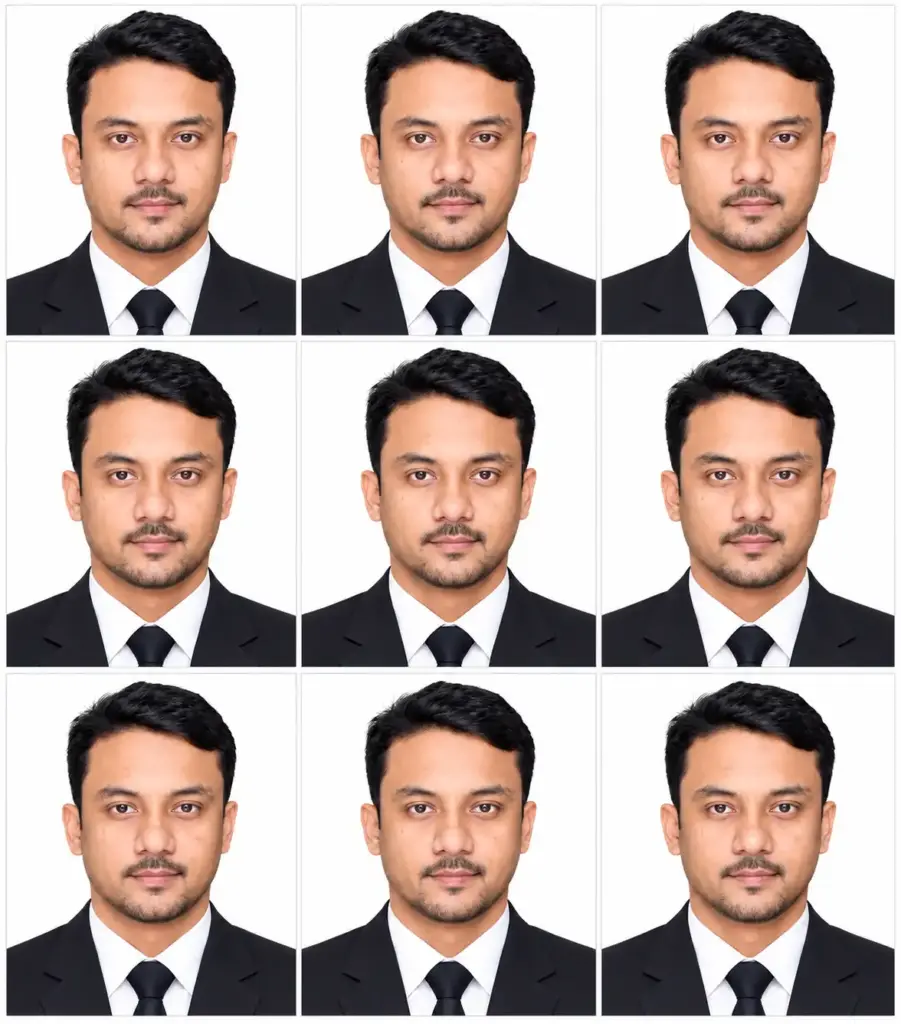
1. 3×3 Passport-Size Photo Collage of a Man in a Black Suit and Tie
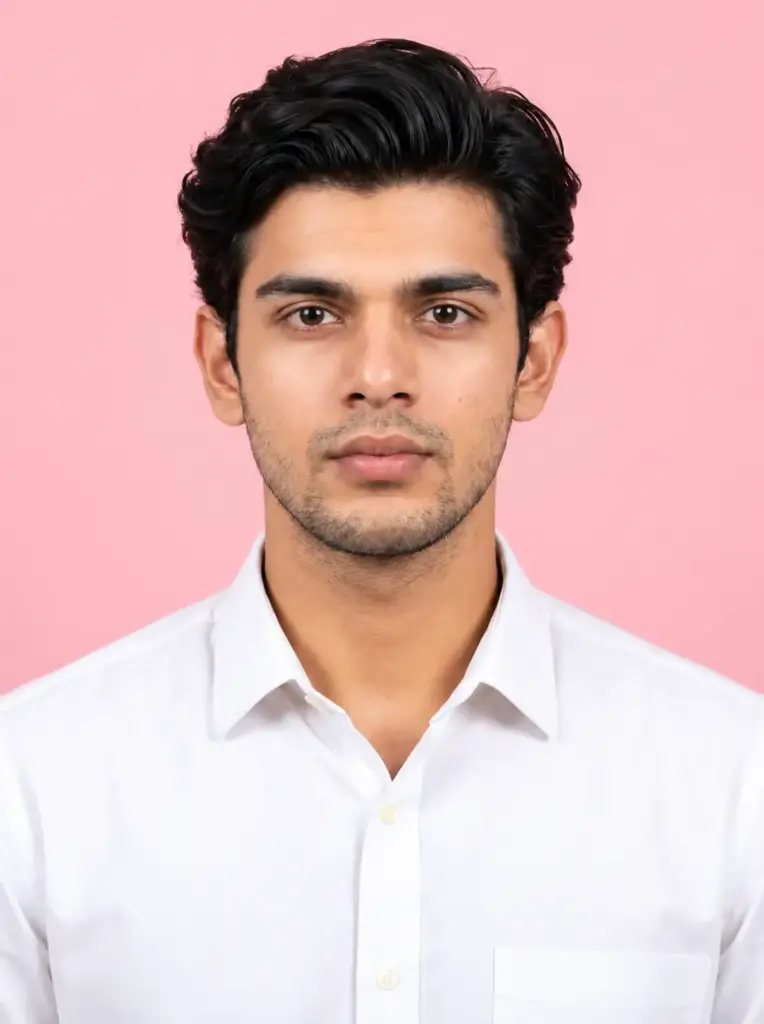
2. Professional Studio Portrait of a Young Man in a White Shirt with a Pink Background
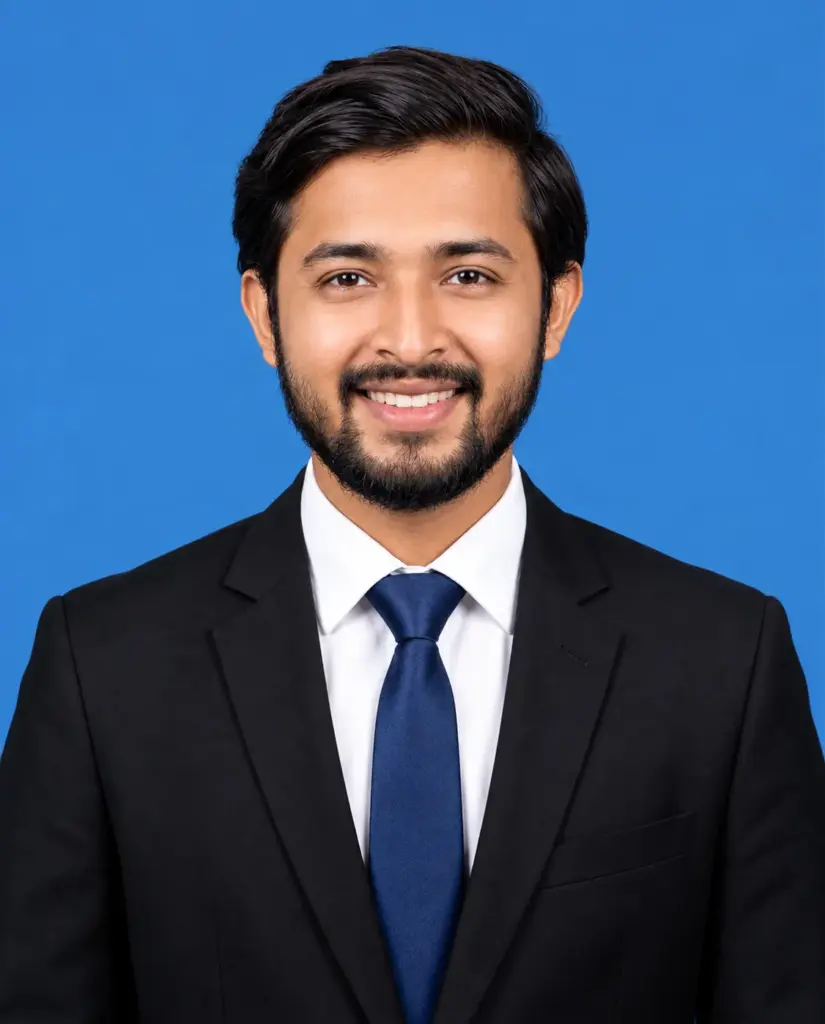
3. Smiling Bearded Man in a Black Suit and Blue Tie on a Blue Background
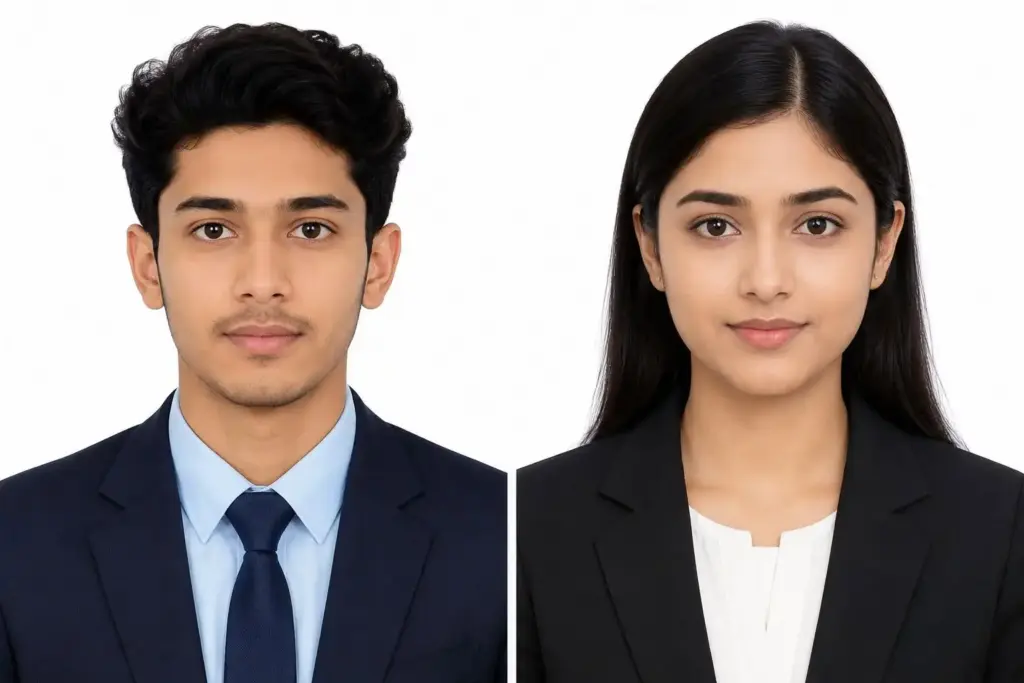
4. Professional Male and Female Passport-Size Portraits in Formal Business Suits on a White Background
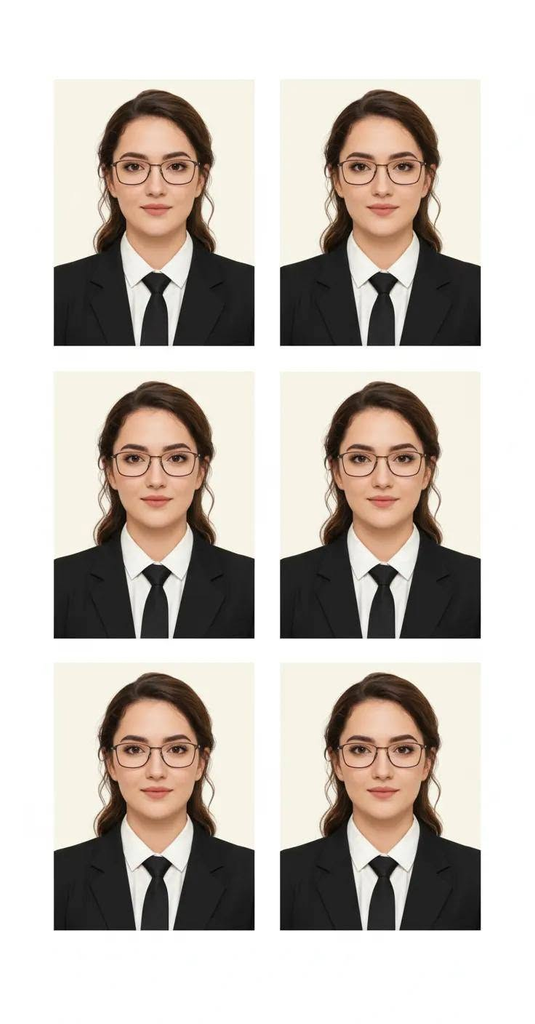
5. Passport Size Photo Collage of a Professional Woman Wearing Glasses in a Black Suit and Tie on a Cream Background
FAQs
1. What is a Passport-Size Photo Prompt?
A Passport-Size Photo Prompt is a text instruction used with an AI image generator to create a passport-style photograph. It describes the background, clothing, lighting, facial expression, and framing to help create a clean and professional ID-style photo.
2. Can I create a passport-size photo using AI?
Yes, you can use AI image generators to create passport-style photos from a text prompt or a reference image. For the best results, use a clear front-facing photo and provide specific instructions about the required photo size, background, and appearance.
3. How can I keep my original face in an AI passport photo?
Use a clear reference photo and include instructions such as “Preserve my exact facial identity, natural skin tone, facial features, and hairstyle.” However, AI may still change some facial details, so always check the final image carefully.
4. What background is best for a passport-size photo?
A plain white or light-colored background is commonly used for passport-style photographs. However, the correct background depends on the passport authority’s requirements. Always check the official photo guidelines before preparing your final image.
5. What should I wear for an AI passport-size photo?
Choose neat, simple clothing that contrasts with the background. A formal shirt, blazer, or modest professional outfit can create a clean appearance. Avoid complicated patterns and accessories that may cover your face or interfere with the required photo guidelines.
6. What is the correct size for a passport-size photo?
Passport photo dimensions vary by country and document type. For example, some applications require 2 × 2 inches, while others require 35 × 45 mm. Mention your required dimensions in the prompt, then verify the actual image size and print specifications separately.